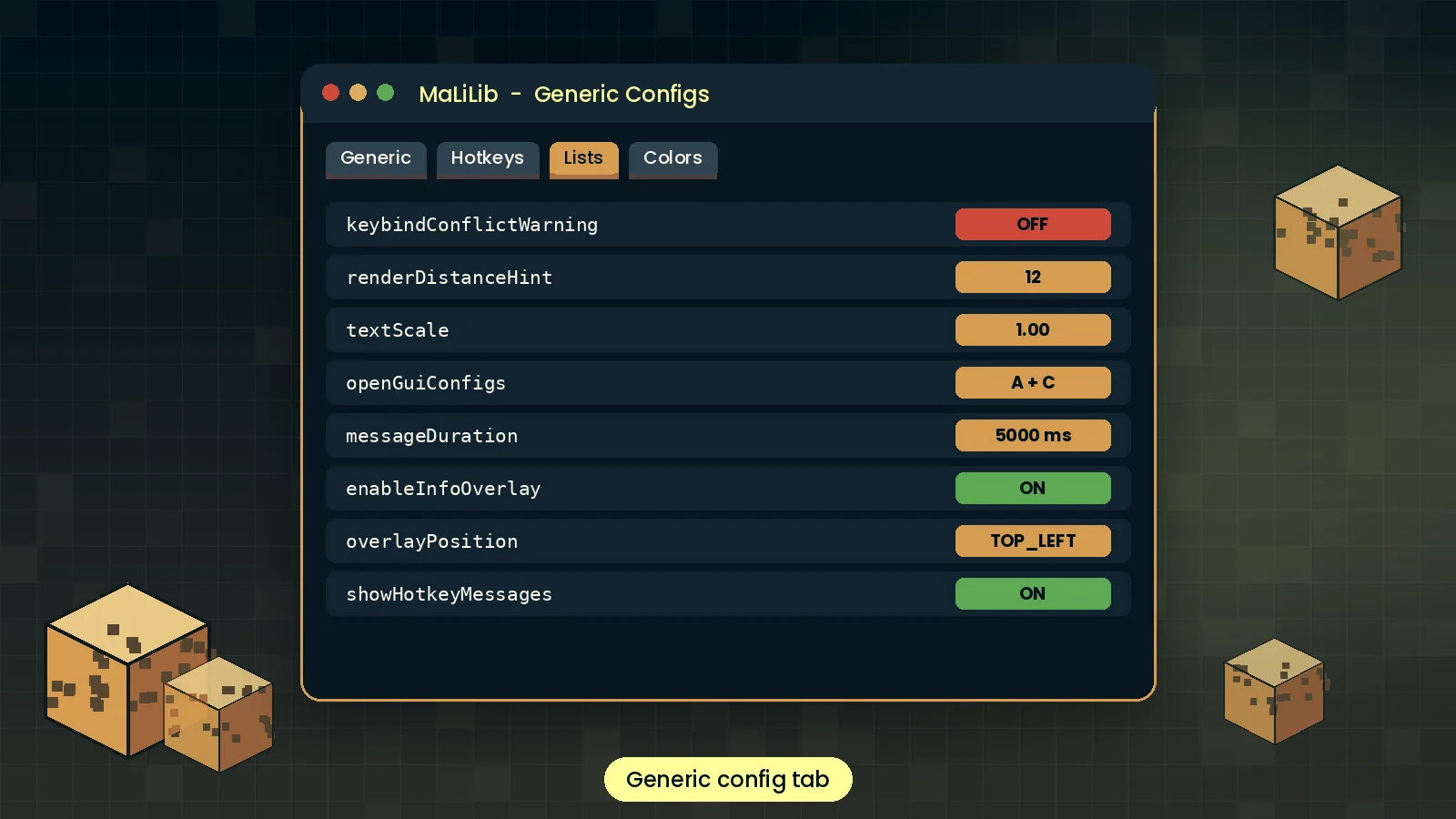
Unified config screens
Every mod built on MaLiLib gets the same clean, searchable settings screen, so once you learn one menu you know them all. No more hunting through text files to change a value.
Everything the library gives to the mods you play with, from config screens to multi-key hotkeys.
Nine reasons the biggest client mods in Minecraft are built on this library, and what each one means for your game.
Every mod built on MaLiLib gets the same clean, searchable settings screen, so once you learn one menu you know them all. No more hunting through text files to change a value.
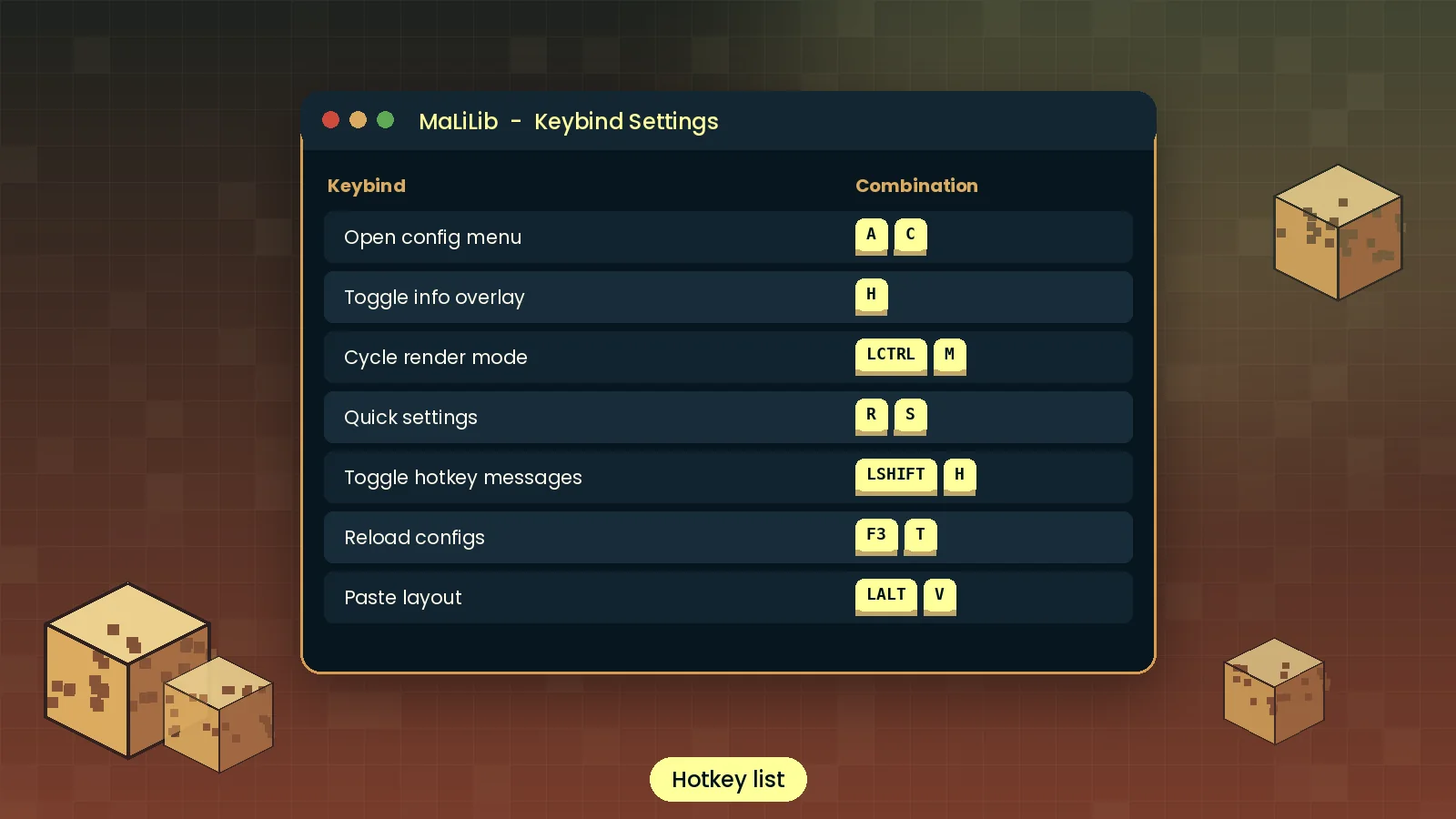
Bind actions to combos like A + C instead of single keys and keep your keyboard free.
Changes save to tidy JSON files you can back up or share.
Buttons, lists and text fields that look consistent across mods.
A small jar that loads fast and stays out of your frame rate.
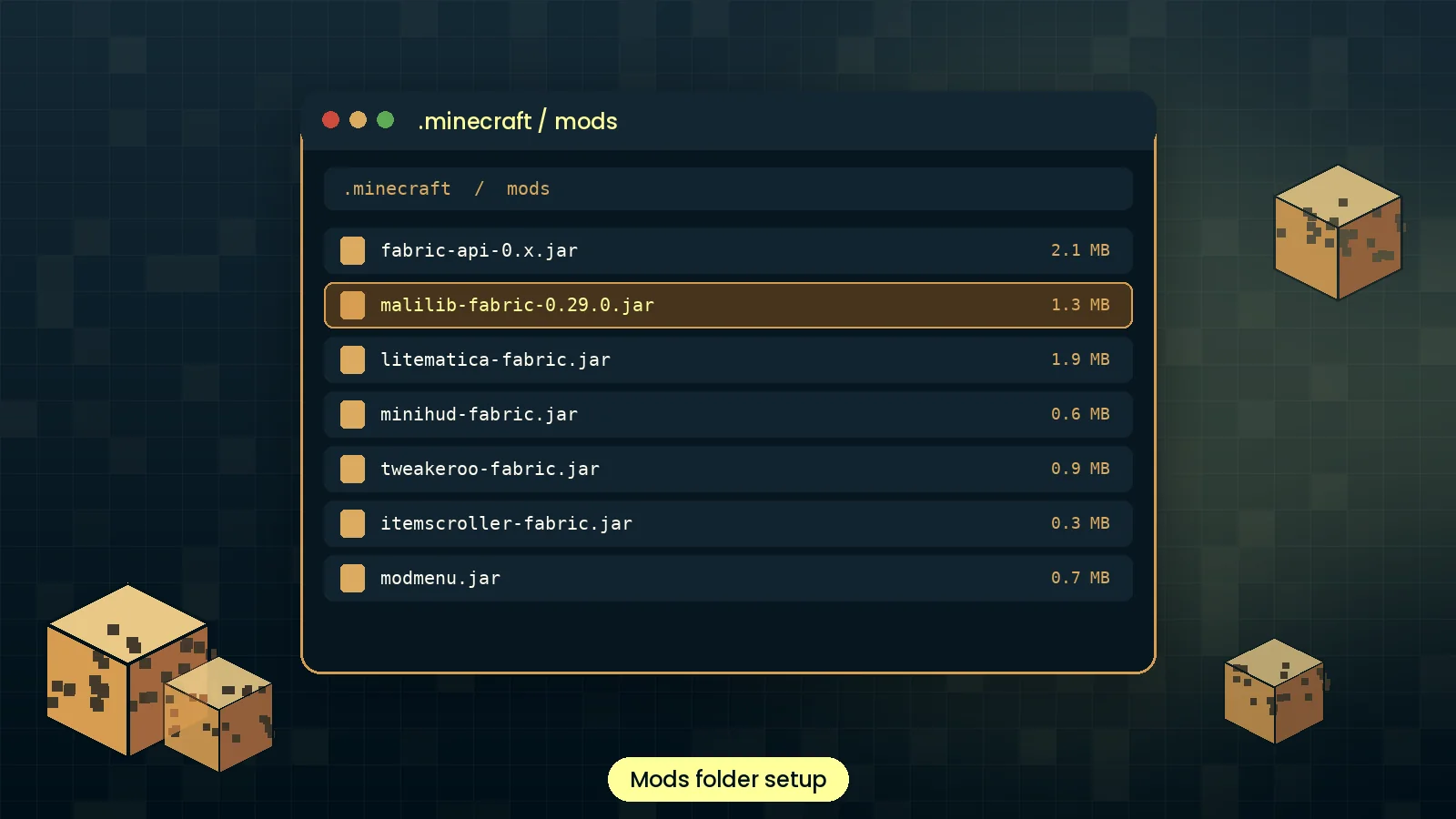
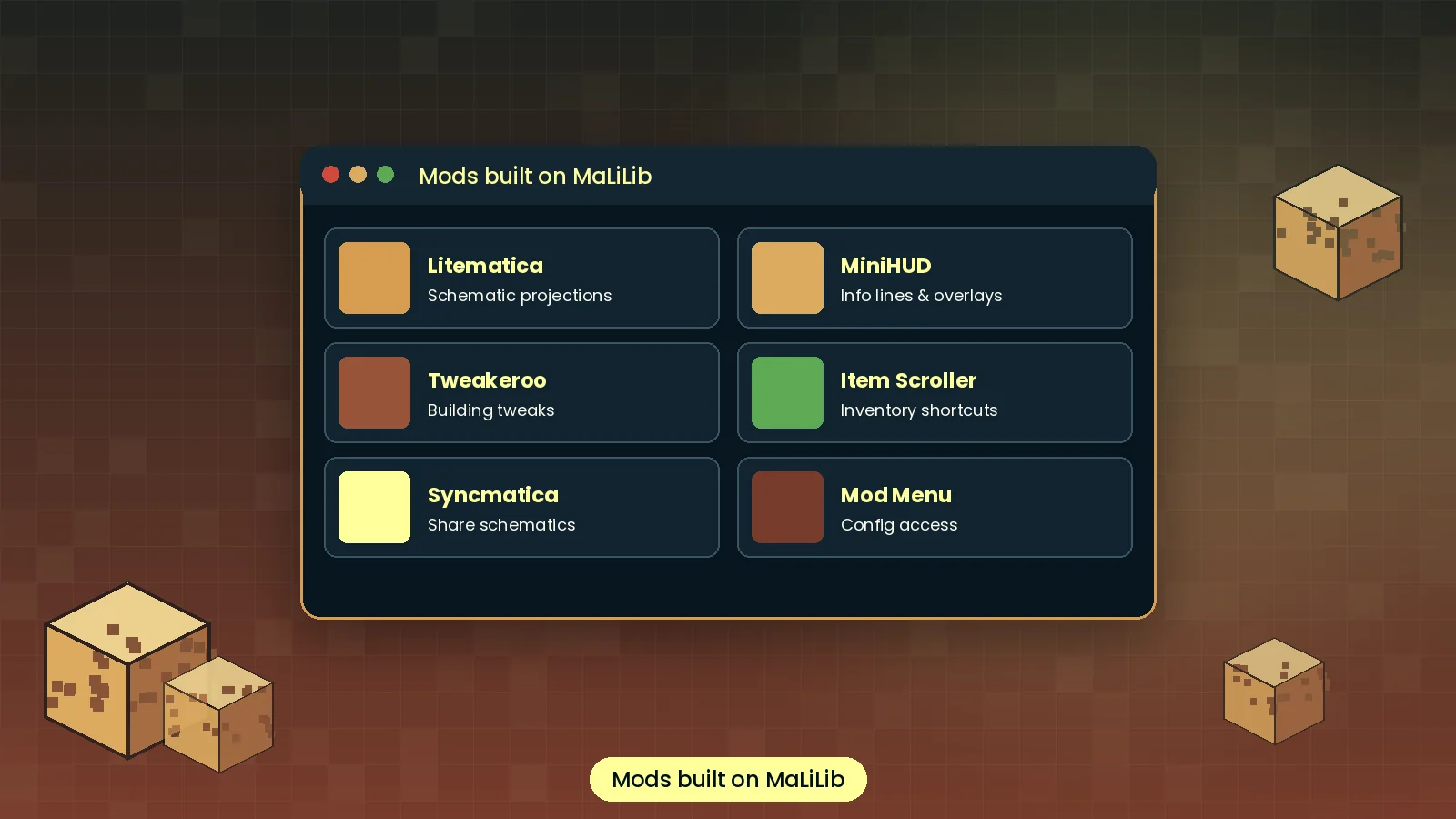
Litematica, MiniHUD, Tweakeroo and Item Scroller all run on it, which means one install unlocks a whole family of tools.
Pick colors with alpha and render clean in-world overlays.
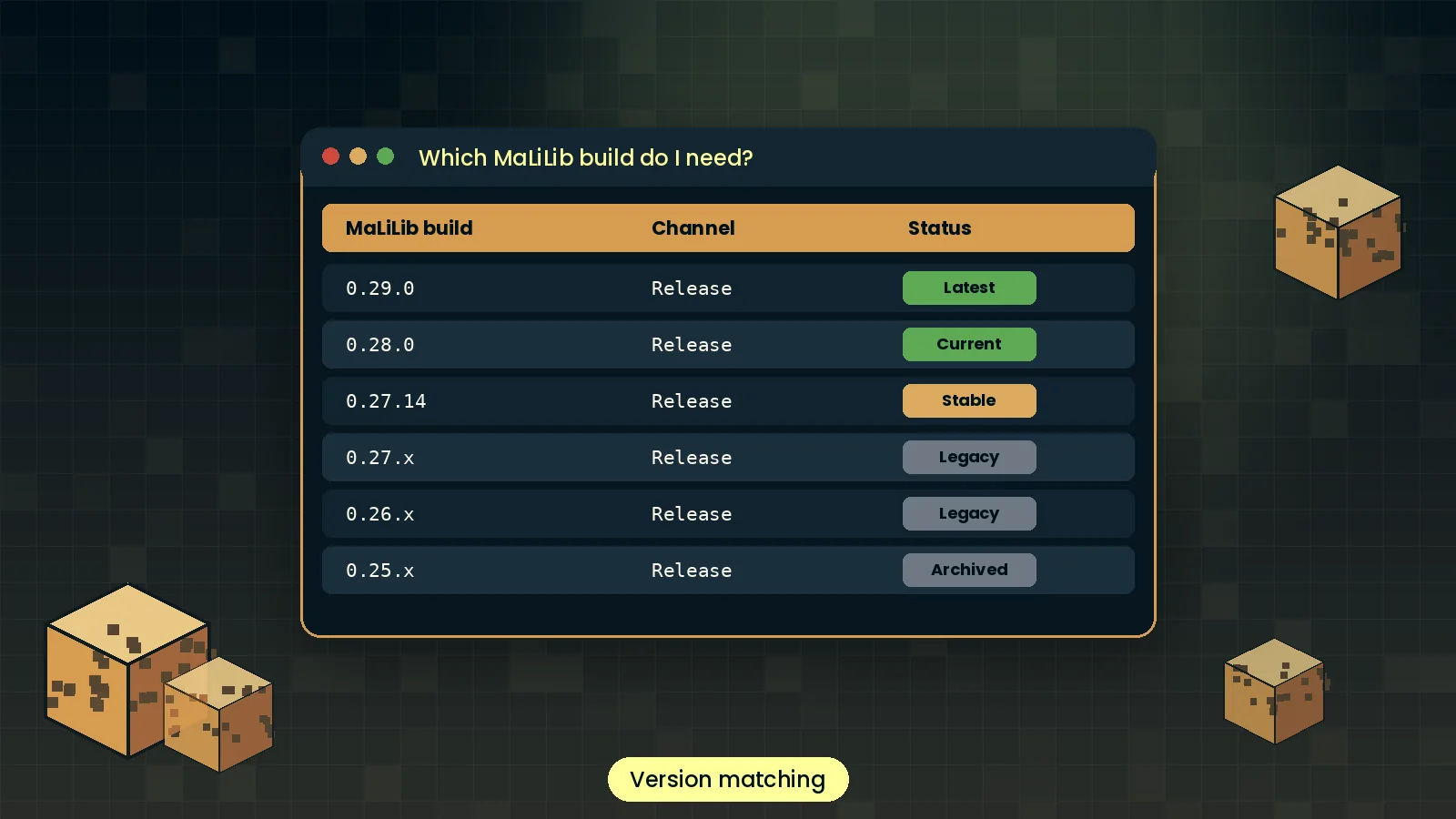
Builds follow new Minecraft releases closely.
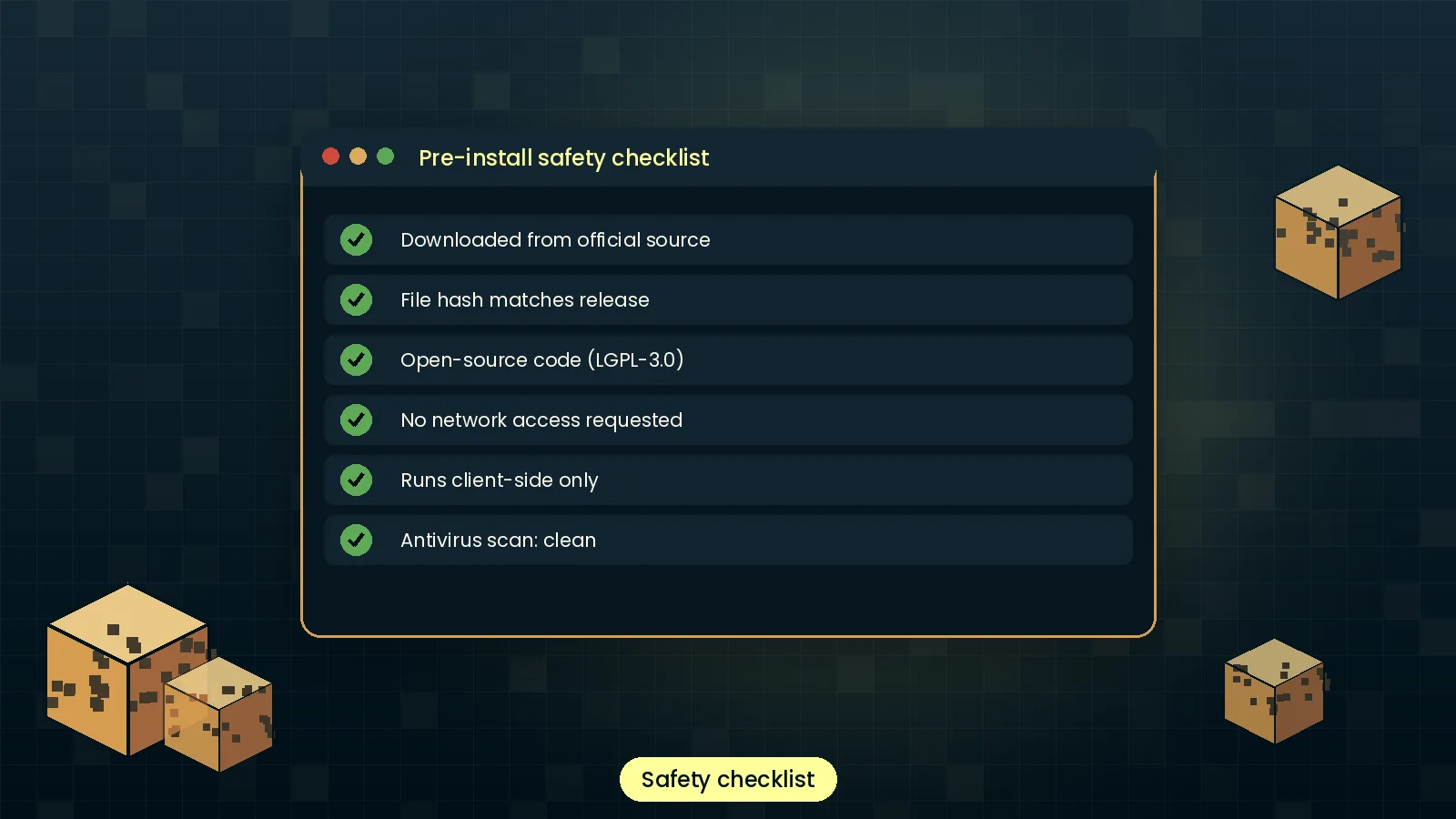
The full source is public on GitHub. Anyone can audit it, report issues or build their own mod on top of it, which is a big reason players and developers trust it.
From game launch to a hotkey press, this is what the library does behind the scenes in five steps.
At startup Fabric Loader reads the jar and registers MaLiLib before dependent mods.
Litematica, MiniHUD and others hand their options and hotkeys to MaLiLib.
MaLiLib loads saved values from JSON files in the config folder.
Each key press is checked against every registered combination.
Matching hotkeys fire, and menus render using shared widgets.
Different players, different goals, one shared library underneath all of them.
Read a well-structured Fabric codebase and learn how real mod libraries manage configs and input.
Unlock Litematica, MiniHUD and Tweakeroo for faster building and clearer information on screen.
Skip writing config and hotkey code; build your mod on a tested, familiar framework.
Education servers and build studios standardise client setups for staff and clients.
Technical players measure mob spawning, chunk loading and redstone timing with MiniHUD overlays.
Toggle clean overlays and schematic guides mid-recording with a single key combination.
Where MaLiLib Mod runs, which launchers and loaders it supports, and the tools it plugs into.
| Category | Supported | Status |
|---|---|---|
| Operating systems | Windows 10/11, macOS 11+, Linux (x64 and ARM64) | Full |
| Browsers | Chrome, Edge, Firefox, Safari (for downloading only) | Full |
| Devices | Desktops and laptops; Android and iOS via Java launchers | Partial |
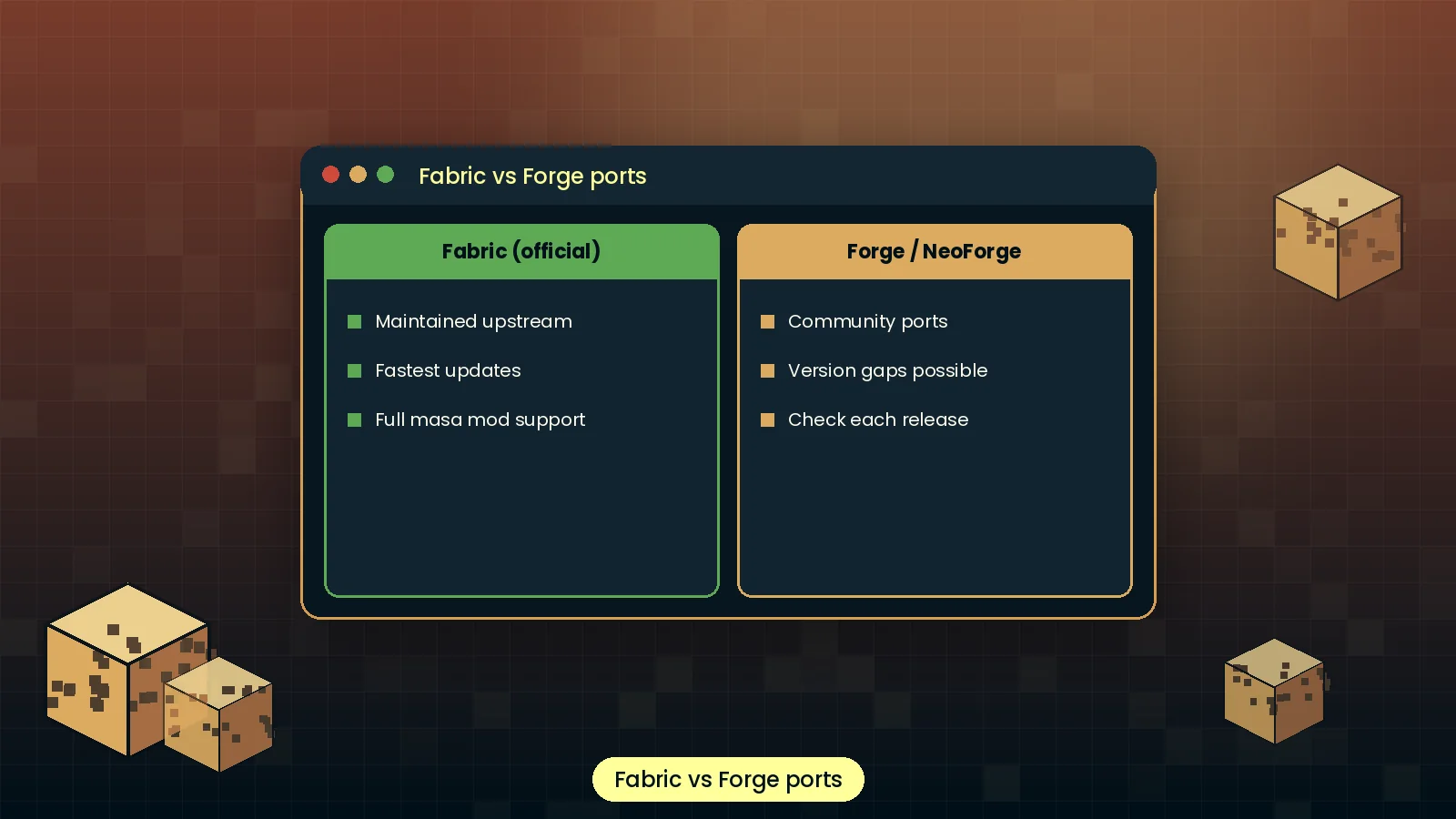
| Mod loaders | Fabric official; Forge and NeoForge through community ports | Partial |
| Framework | Java 21 for modern versions, Fabric Loader latest stable | Full |
| Integrations | Mod Menu, Litematica, MiniHUD, Tweakeroo, Item Scroller, Syncmatica | Full |
| Launchers | Official launcher, Prism, MultiMC, Modrinth App, CurseForge App | Full |
| Minecraft editions | Java Edition only; Bedrock is not supported | None |
An honest look at where MaLiLib shines and where it can trip you up.
A visual tour of the menus, settings and setup steps you will see while using MaLiLib Mod.
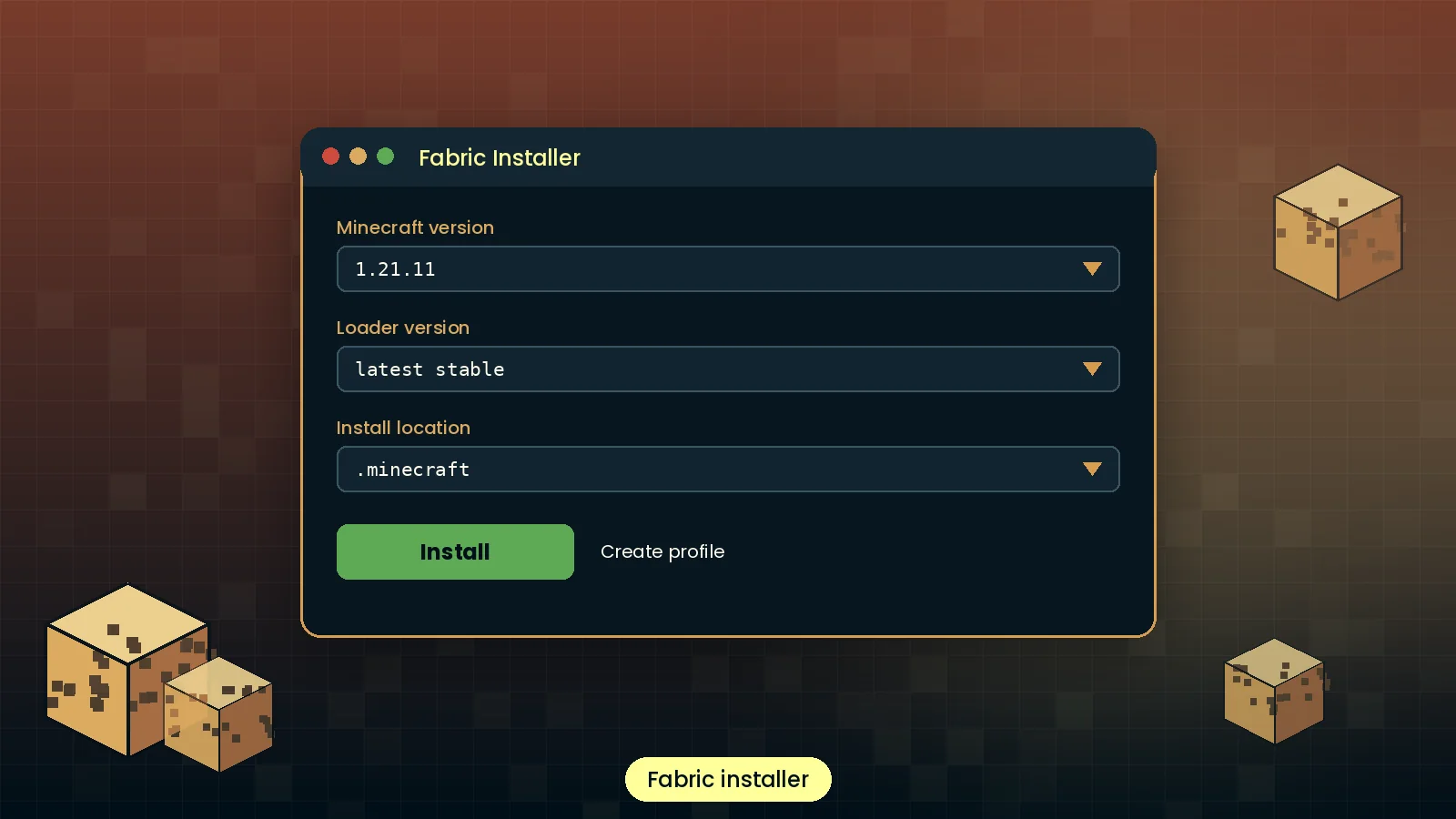
Grab the official file for your Minecraft version and follow the five-minute guide.