Known issues
New Minecraft releases can take a few days to get a matching build. Some community Forge ports lag further behind. Mobile launchers may show render glitches in overlays.
Step-by-step MaLiLib Mod installation for Windows, macOS, Linux, Android and iOS, plus fixes for common errors.
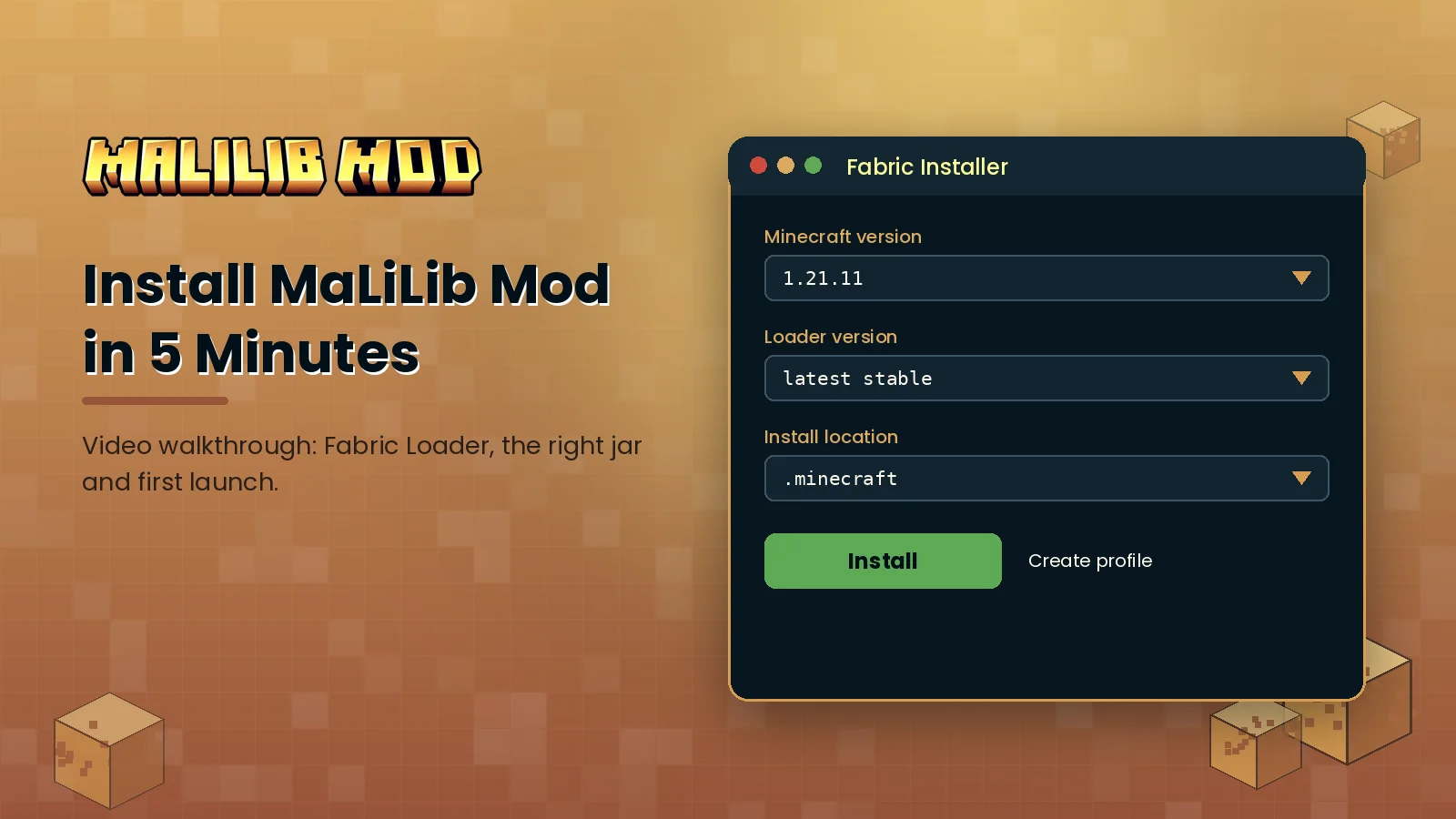
Pick your platform for step-by-step instructions. Desktop takes about five minutes; mobile launchers take a little longer.
Most problems come down to versions. Find your error below, apply the fix and you are usually back in game within two minutes.
| Error you see | Likely cause | Fix |
|---|---|---|
| Incompatible mods found | Dependent mod needs a newer MaLiLib build | Install the latest MaLiLib for your exact Minecraft version |
| Duplicate mod: malilib | Two MaLiLib jars in the mods folder | Delete the older jar and keep one |
| Game closes with no error | Fabric jar in a Forge or NeoForge instance | Use a Fabric profile or a proper community port |
| Config menu does not open | Hotkey cleared or in conflict | Open via Mod Menu and rebind A + C |
| Crash after changing a setting | Corrupted config file | Rename config/malilib.json and relaunch |
| Mod not listed in Mod Menu | Wrong Minecraft version file | Download the jar built for your version |
New Minecraft releases can take a few days to get a matching build. Some community Forge ports lag further behind. Mobile launchers may show render glitches in overlays.
Limit active MiniHUD overlays, render fewer Litematica layers, allocate 4 GB of RAM and pair your setup with a compatible performance mod.
Open logs/latest.log, search for "malilib" and read lines marked ERROR. Our crash guide explains each message.
Grab the official file for your Minecraft version and follow the five-minute guide.