MaLiLib Config Menu Guide
Open the config screen, understand what each tab controls and change settings without breaking anything.
Key takeaways
- Default hotkey to open the menu is A + C.
- Mod Menu adds a second way in from the title screen.
- All values are saved as JSON in the config folder.
Opening the menu
MaLiLib ships its own configuration screen and exposes the same framework to every mod built on it. Inside a world, hold A and press C to open the MaLiLib screen with default keybinds. If you prefer clicking, install Mod Menu; MaLiLib and its dependent mods then show a config button in the Mods list on the title screen.
What the tabs do
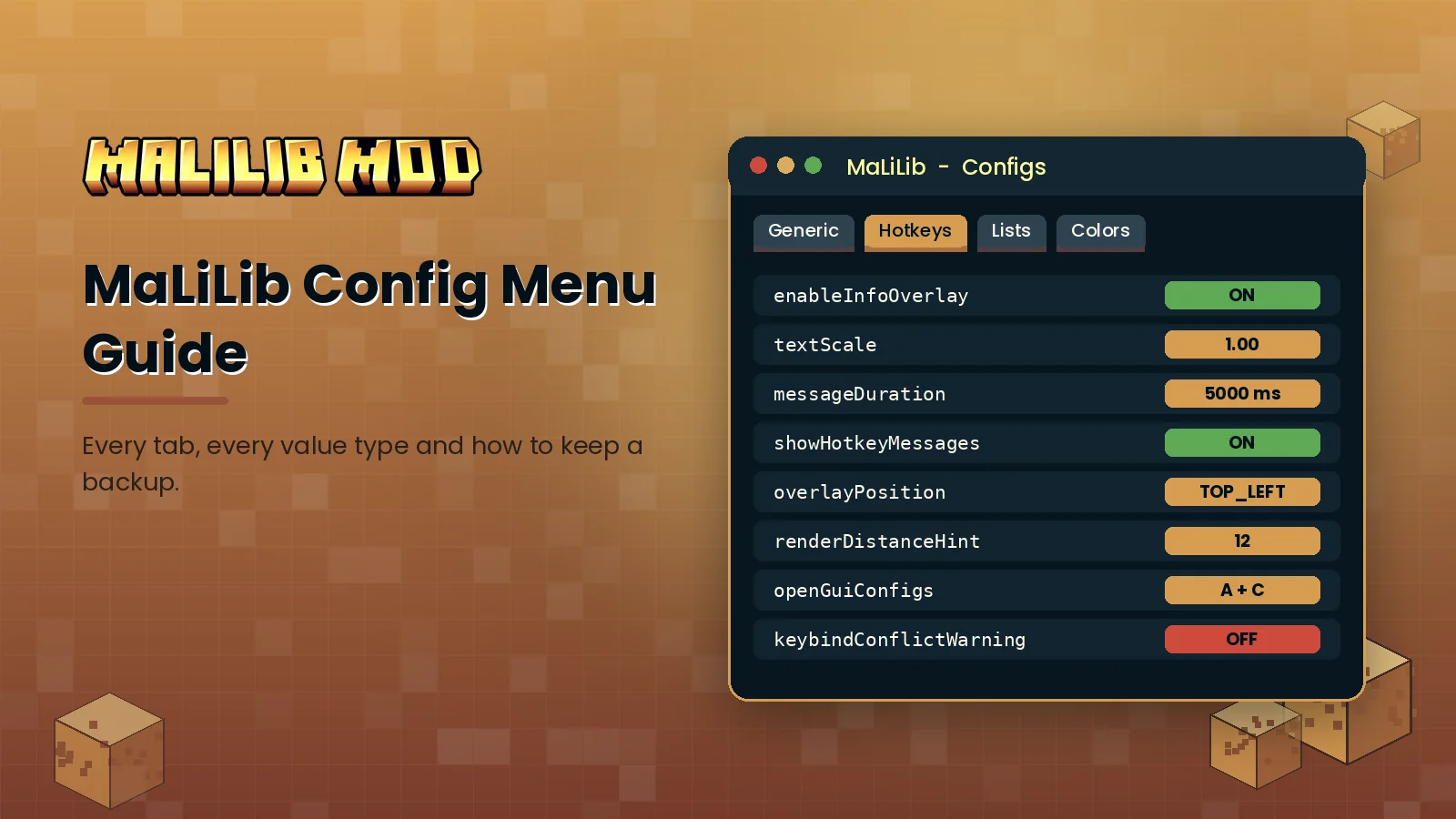
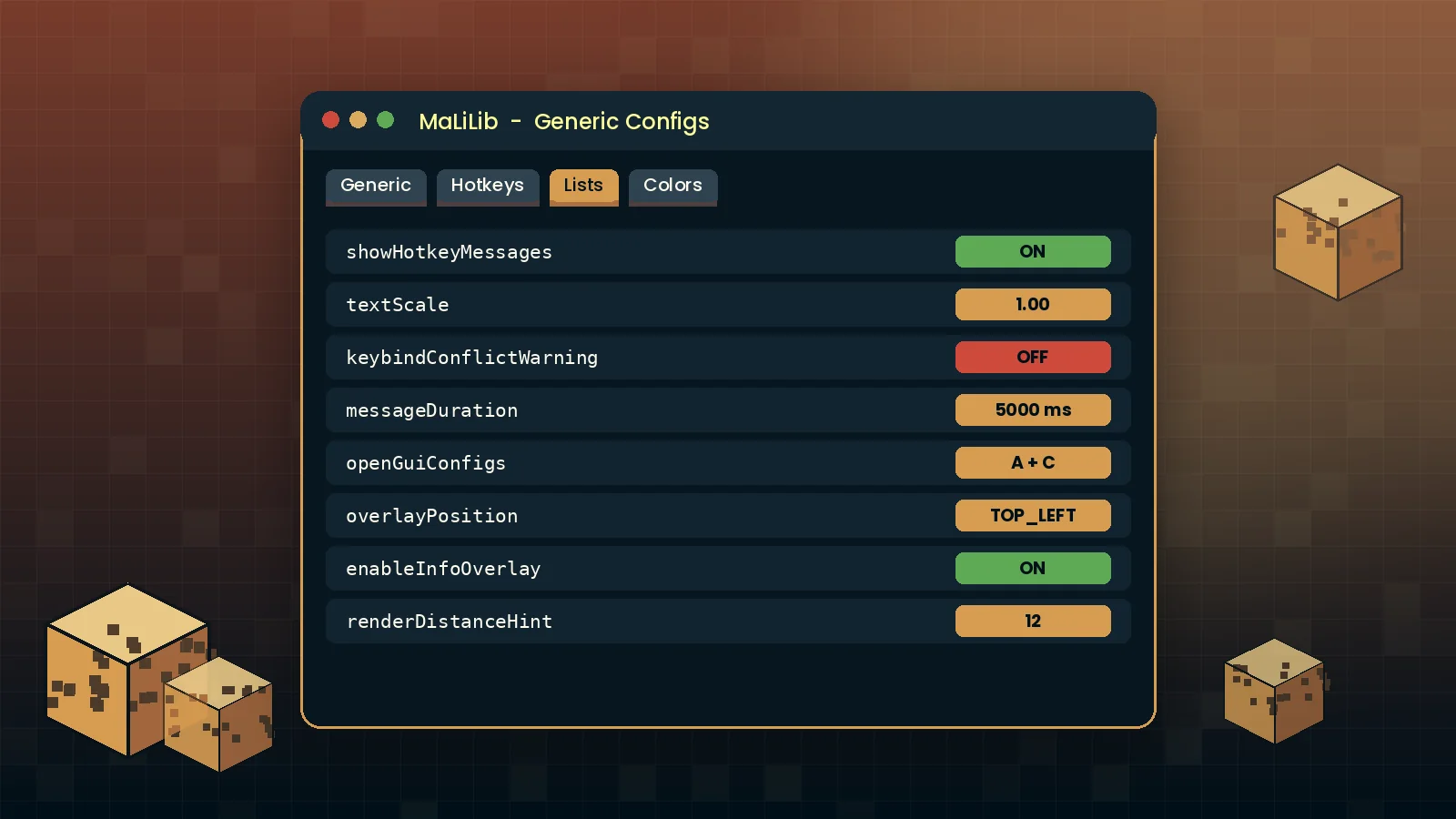
The Generic tab holds global behaviour such as how messages and overlays appear. The Hotkeys tab lists every keybind MaLiLib owns, including the one that opens the menu. Dependent mods add their own screens with the same look, which is why Litematica, MiniHUD and Tweakeroo menus feel familiar once you learn one of them.
Reading value types
- Boolean options show an ON or OFF button. Click to flip.
- Numbers use a text field, often with a slider toggle next to it.
- Option lists cycle through fixed choices each time you click.
- Hotkeys show the current combination and a small settings button for advanced behaviour.
- Colors accept hex values such as
#FFD79D51, including an alpha channel.
Every entry has a reset button that returns it to the default. Hover the option name to see a tooltip describing what it does.
Where settings are stored
Settings live in .minecraft/config/malilib.json, and each dependent mod writes its own JSON file next to it. Copy these files to back up your setup or move it to another computer. If a change causes problems, delete the file while the game is closed to restore defaults.
Keep learning
Hotkeys have more options than most players realise. Our hotkey guide covers combinations, activation modes and conflicts, and the full usage guide collects best practices in one place.