Fix MaLiLib Mod Crashes Fast
The five causes behind almost every MaLiLib crash, how to spot each one in your log, and the exact fix for each.
Key takeaways
- Most crashes are version mismatches, not bugs.
- The log names the missing or wrong dependency in plain words.
- Delete a corrupted config file and MaLiLib recreates it.
Find the right log first
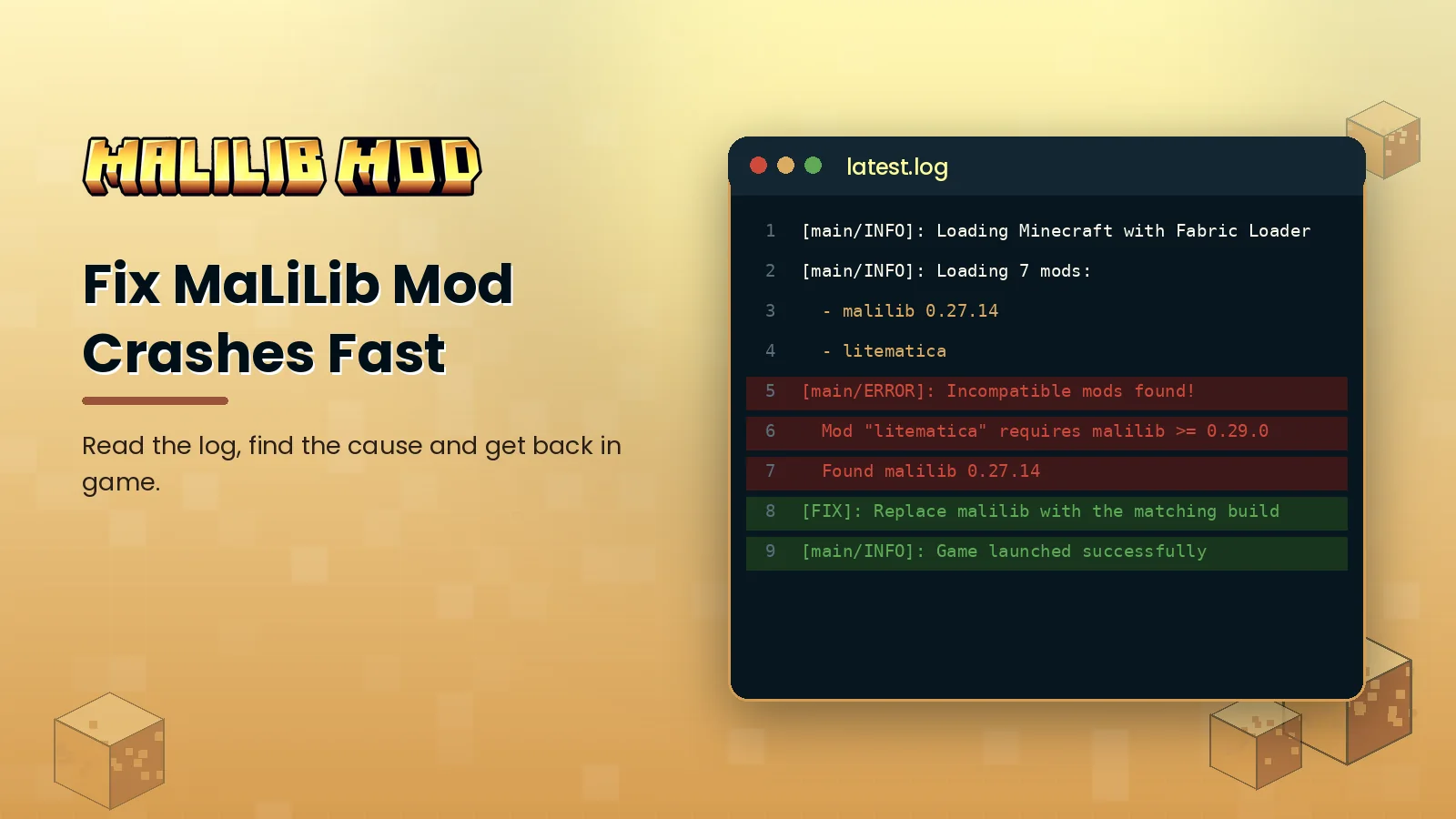
Guessing wastes time. Open your game folder and look in logs/latest.log for loading errors, or in crash-reports for a full crash report. Search the file for malilib and for the words ERROR or Incompatible. The lines around those matches usually name the problem directly.
The five common causes
1. Wrong Minecraft version
A jar built for 1.21.10 will not load on 1.21.11. Download the file that matches your game exactly.
2. MaLiLib build too old
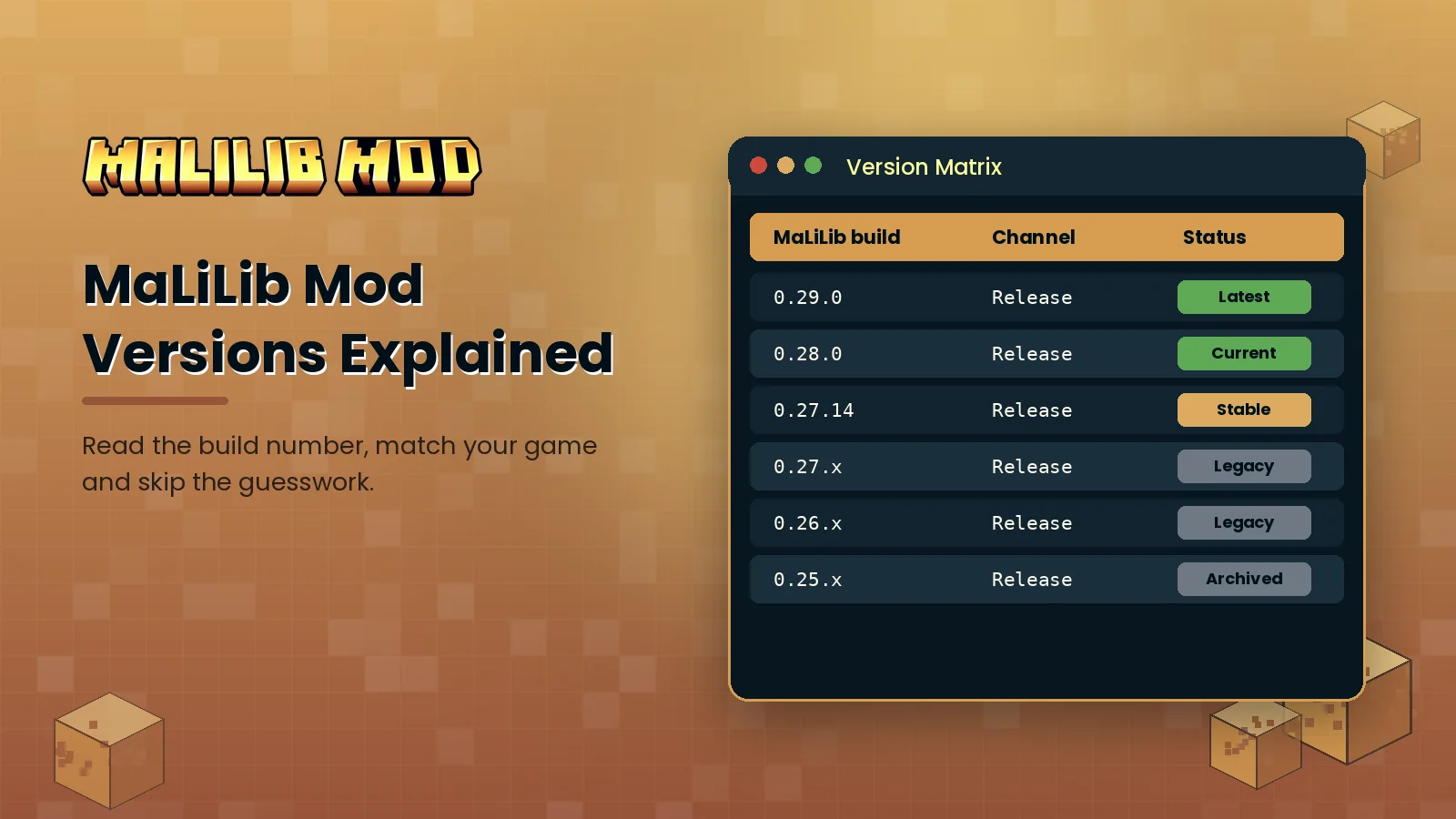
If the log says a mod requires a newer MaLiLib, replace your jar with a newer build for the same game version. Our version guide explains the numbering.
3. Duplicate jars
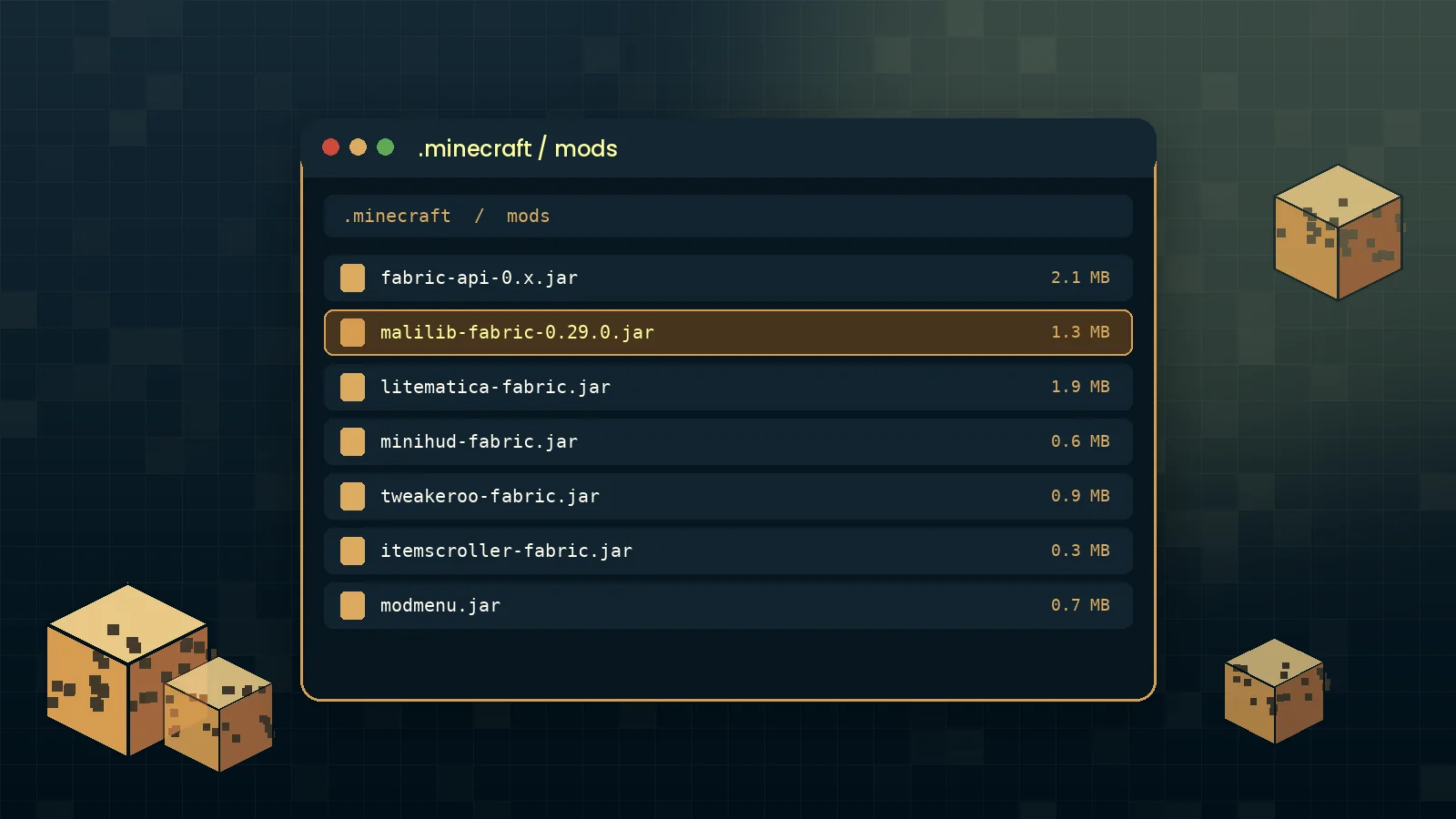
Two MaLiLib files in one mods folder trigger a duplicate mod error. Keep only the newest correct one.
4. Wrong loader
The official MaLiLib files are for Fabric. Putting a Fabric jar into a Forge or NeoForge instance does nothing or crashes. Read MaLiLib on Forge and NeoForge for your options.
5. Corrupted config
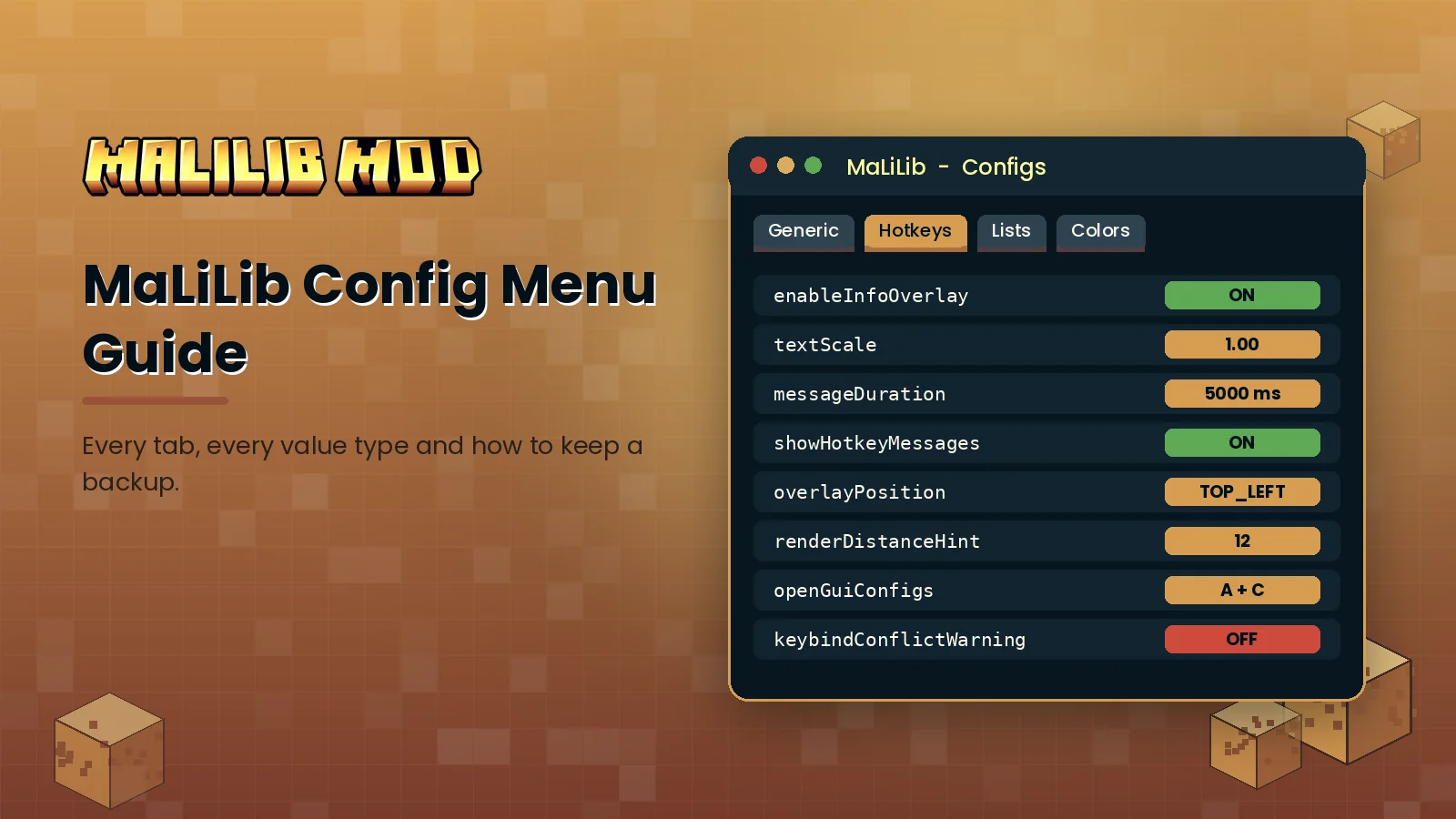
If the game crashes after changing a setting, close Minecraft and rename config/malilib.json. MaLiLib writes a fresh file with default values at the next launch.
Run a clean test
When the cause is still unclear, create a new Fabric profile with only MaLiLib and one dependent mod. If that loads, add your other mods back in small groups until the crash returns. This isolates conflicts faster than reading long stack traces.
Reporting a real bug
If a clean profile with matching versions still crashes, open an issue on the official MaLiLib GitHub repository. Include your Minecraft version, loader version, the full list of mods and a link to the log uploaded to a paste site. For quick answers to common questions, visit our troubleshooting section.