MaLiLib on Forge and NeoForge
The official MaLiLib is built for Fabric. Here is what that means for Forge and NeoForge players, and the safest way forward.
Key takeaways
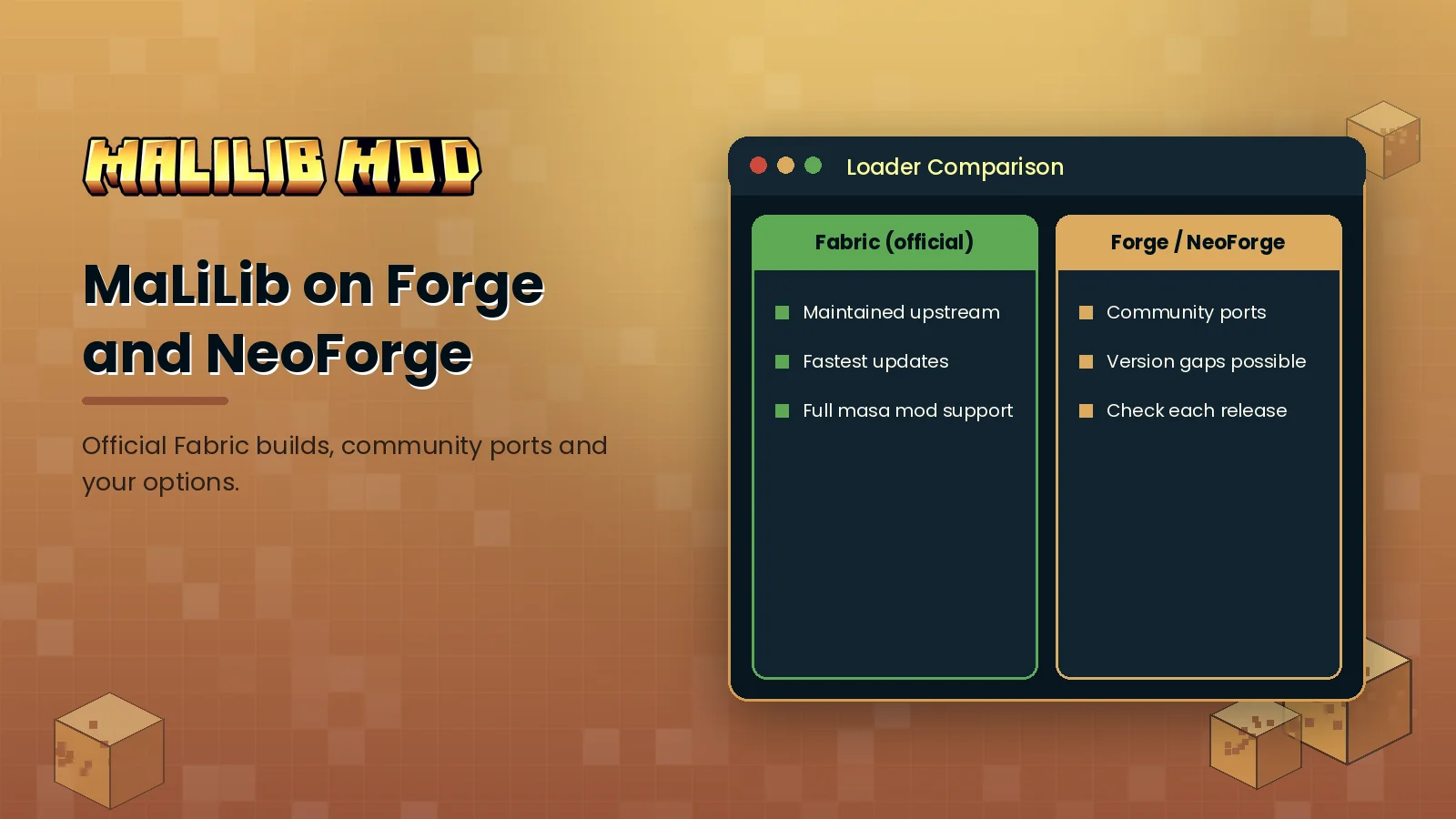
- Current official releases target Fabric.
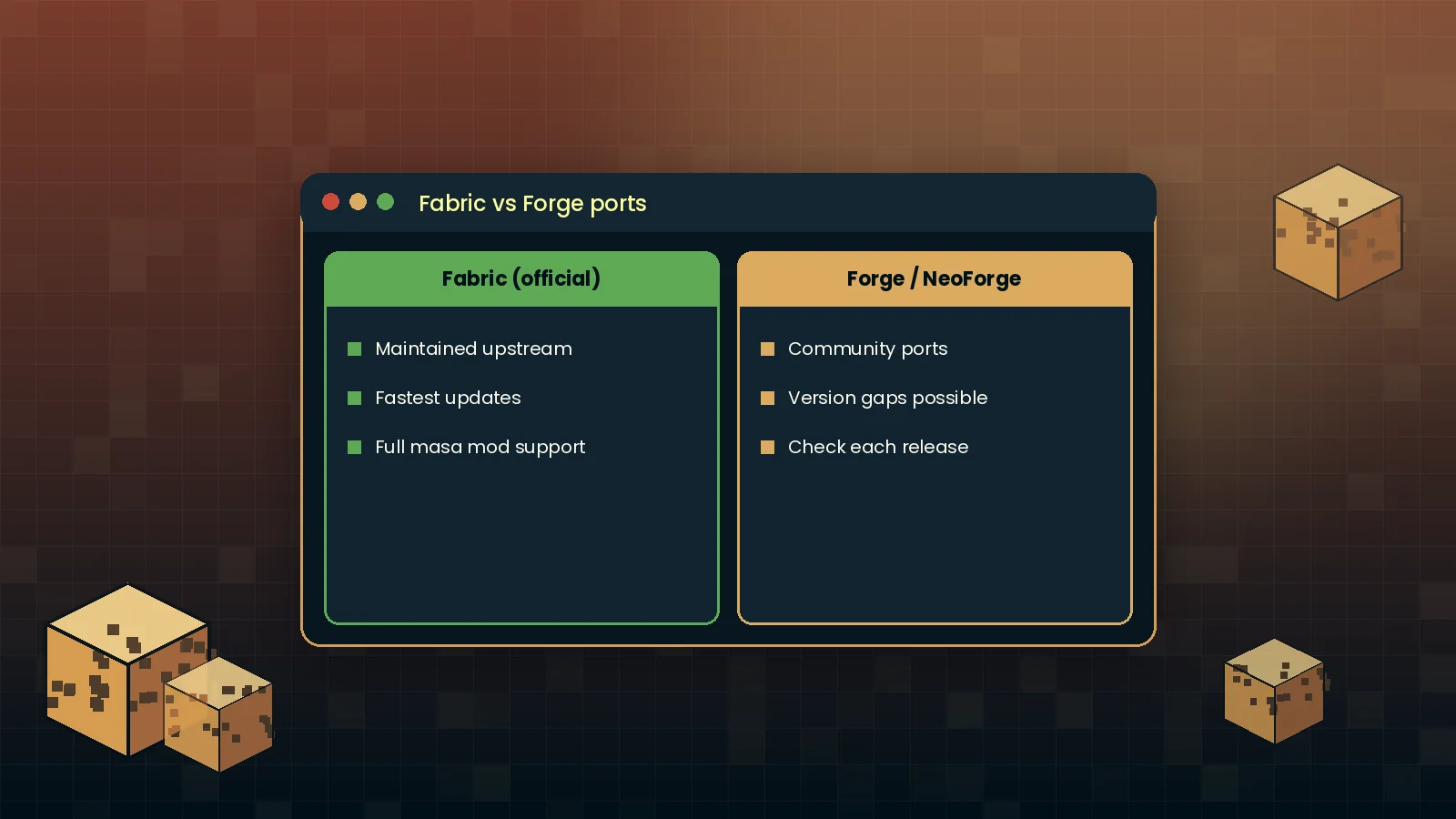
- Forge and NeoForge support comes from community ports with their own names.
- Never mix a Fabric jar into a Forge instance.
What is officially supported
MaLiLib began on LiteLoader and moved to Fabric as Minecraft modding shifted. Current official releases on Modrinth, CurseForge and GitHub are Fabric builds. Searches for "MaLiLib Forge" usually come from players with a Forge or NeoForge modpack who want Litematica or MiniHUD in it.
Community ports
Independent developers have ported masa's library and mods to Forge and NeoForge under separate project names. These ports are not maintained by the original author, so their update speed, feature parity and version coverage vary. If you use one, download it only from its own official project page and follow that project's dependency list, not the Fabric one.
Your three options
- Switch the instance to Fabric. The simplest route if your other mods have Fabric versions.
- Use a maintained community port on Forge or NeoForge, accepting that updates may lag behind.
- Run a compatibility layer such as Sinytra Connector on NeoForge. This can work for some mods, but it adds complexity, so test in a copy of your instance first.
What to avoid
Renamed jars on unknown sites that claim to be "MaLiLib Forge" are a common source of broken or unsafe files. If a download page does not link back to a real project repository, skip it. Our safety guide shows how to check a file before you run it.
For the standard setup, follow the installation guide or go straight to the MaLiLib Mod download section.