Is MaLiLib Mod Safe to Use?
A plain look at what MaLiLib does on your computer, what it cannot do and how to make sure the file you run is the real one.
Key takeaways
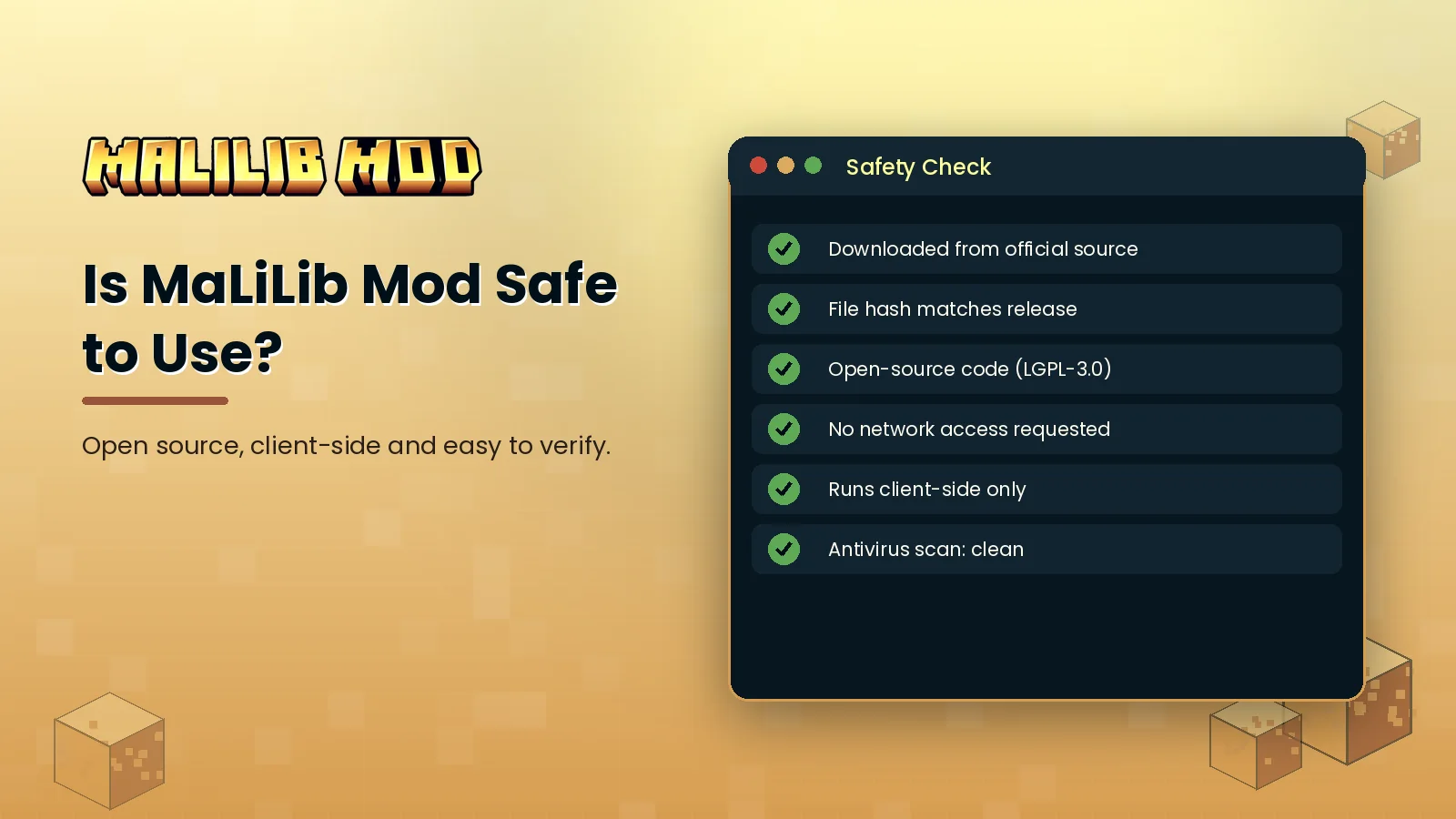
- The real MaLiLib is open source under LGPL-3.0.
- It runs inside Minecraft with the same permissions as the game.
- Risk comes from fake re-uploads, not the library itself.
The short answer
Yes, the genuine MaLiLib Mod is safe. Its source code is public on GitHub, it has been used by millions of players over many years, and it is distributed through Modrinth and CurseForge, both of which scan uploaded files. The real risk is downloading a modified copy from an unofficial site.
What the library actually does
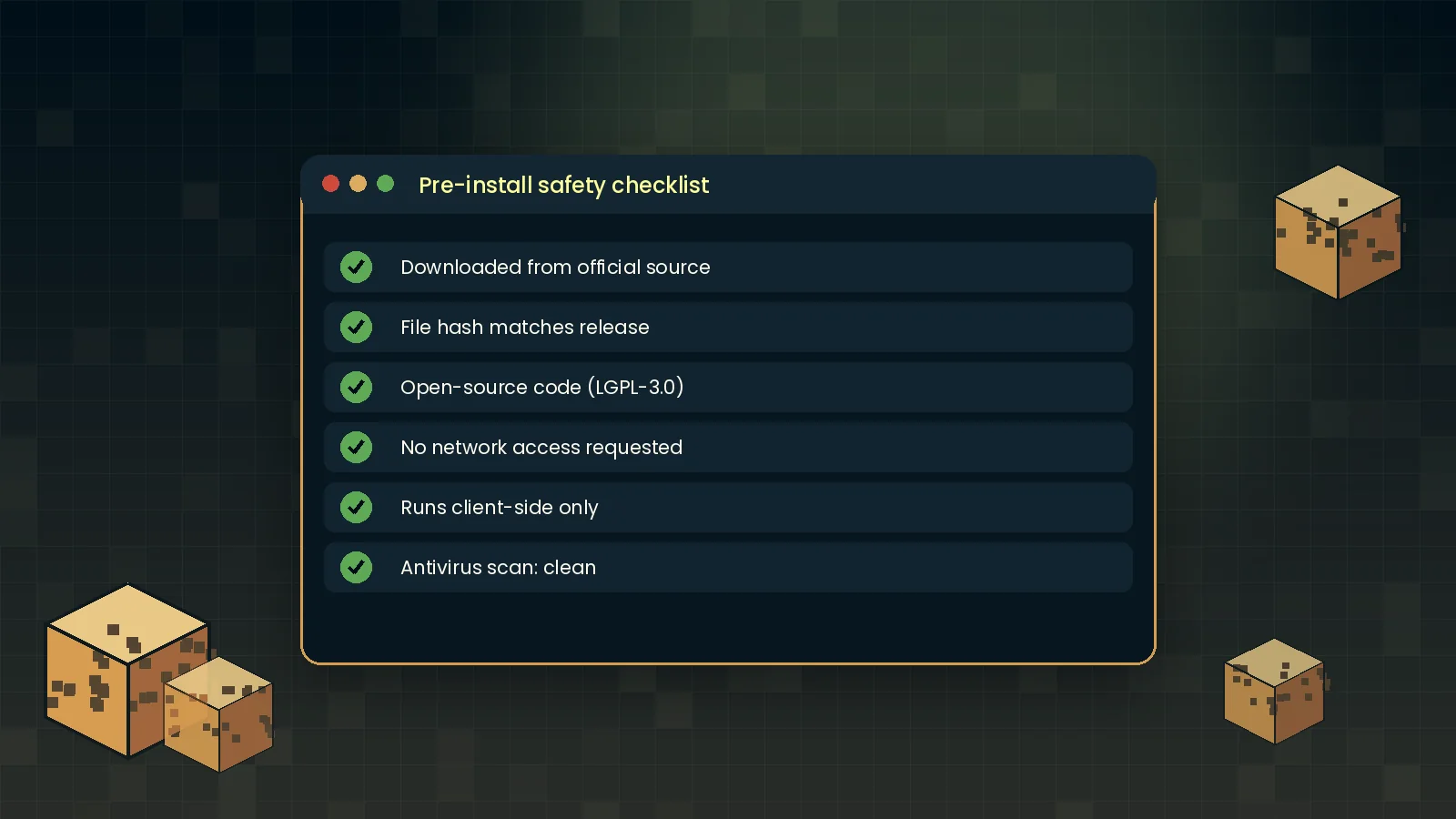
MaLiLib provides config screens, hotkey handling, GUI widgets and rendering helpers to other mods. It reads and writes its own JSON config files in your .minecraft/config folder. It does not need an account login, does not ask for extra operating system permissions and has no reason to contact outside servers during normal play.
How to verify your download
- Download only from Modrinth, CurseForge or the official GitHub releases.
- Check the uploader is the known project author or maintainer.
- Compare the SHA-256 hash of your file with the one shown on the file page.
- Scan the jar with your antivirus if you want extra reassurance.
- Delete any MaLiLib jar you cannot trace back to one of these sources.
Checking the hash
On Windows run certutil -hashfile malilib.jar SHA256 in Command Prompt. On macOS and Linux run shasum -a 256 malilib.jar. The long string printed should match the hash on the official page exactly.
Privacy
MaLiLib stores settings locally and does not collect telemetry. For how this website handles data, read our privacy policy. For the rest of our security notes, visit the security section.