Install MaLiLib Mod on Fabric
A clean setup from zero: Fabric Loader, the right MaLiLib file, the mods folder and a first launch that works the first time.
Key takeaways
- MaLiLib is a library, so it does nothing visible on its own.
- The Minecraft version in the file name must match your game exactly.
- Install Fabric Loader first, then drop the jar into the mods folder.
Before you start
MaLiLib Mod is a shared library written by masa for his client-side mods such as Litematica, MiniHUD, Tweakeroo and Item Scroller. On its own it adds no blocks, items or menus you would notice in survival. Its job is to give those mods a common configuration screen, a hotkey system and GUI building blocks. That is why most players install it because another mod lists it as a required dependency.
You need three things before installing: Minecraft Java Edition (Bedrock cannot load Java mods), a working Java runtime (the official launcher bundles one) and the version number of Minecraft you want to play. Write that version down; it decides which MaLiLib file you download.
Step 1: install Fabric Loader
- Open the official Fabric installer page at fabricmc.net and download the installer for your system.
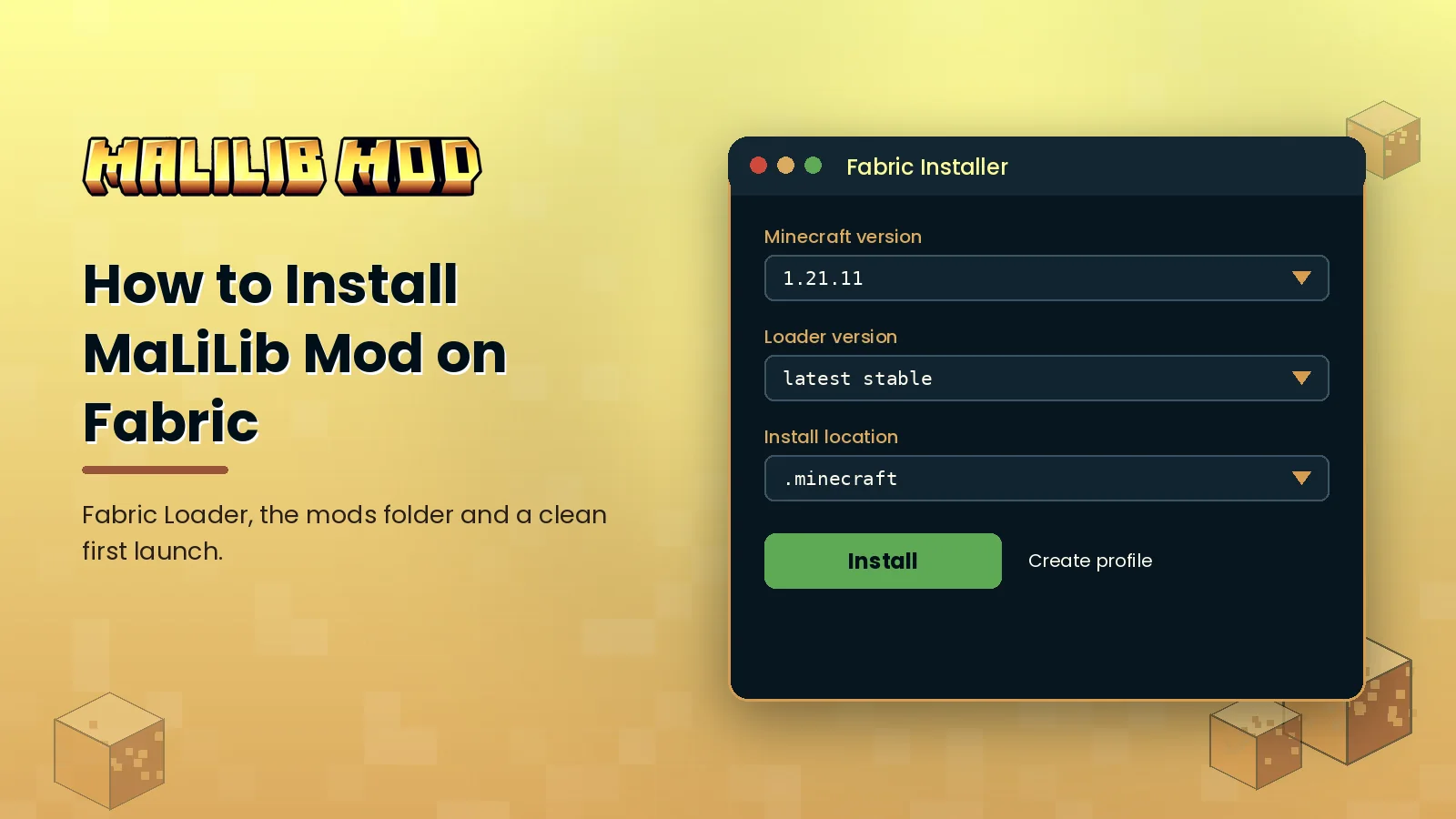
- Run it, select the Client tab and choose your exact Minecraft version.
- Leave the loader version on the latest stable option and keep Create profile ticked.
- Click Install, then open the Minecraft Launcher once with the new Fabric profile so the folders are created.
Step 2: download the right file
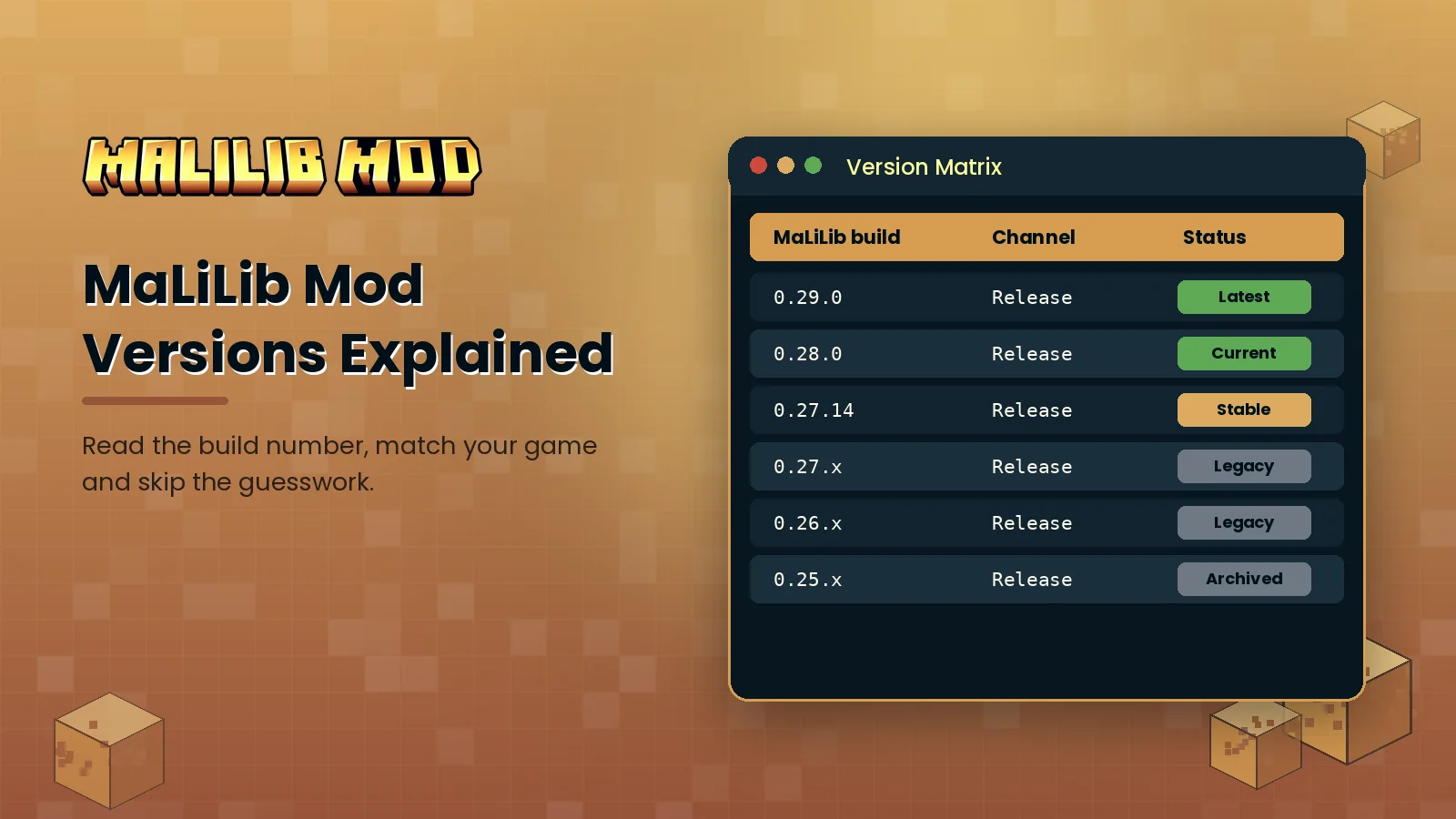
Go to the official MaLiLib page on Modrinth or CurseForge and filter by your Minecraft version and the Fabric loader. File names follow a pattern such as malilib-fabric-1.21.11-0.27.14.jar: the first number is the Minecraft version, the last is the MaLiLib build. If you are also installing Litematica or MiniHUD, check their changelog for the minimum MaLiLib build they expect, then use that build or a newer one for the same Minecraft version.
Step 3: add it to the mods folder
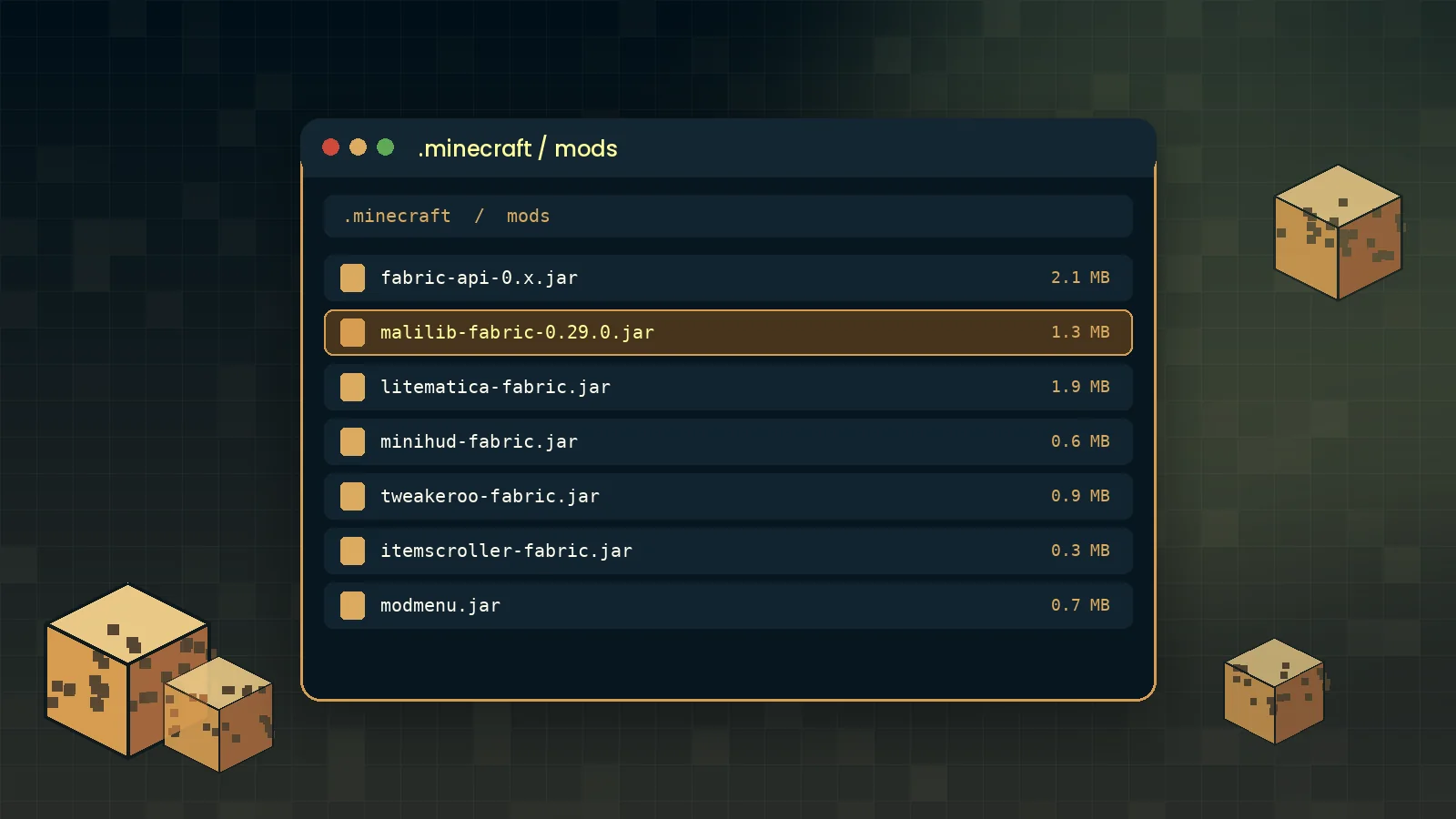
Open your game directory. On Windows press Win + R, type %appdata%\.minecraft and press Enter. On macOS it lives in ~/Library/Application Support/minecraft, and on Linux in ~/.minecraft. Create a folder called mods if it does not exist and move the MaLiLib jar inside, together with the mods that use it. Do not unzip the jar.
Step 4: launch and confirm
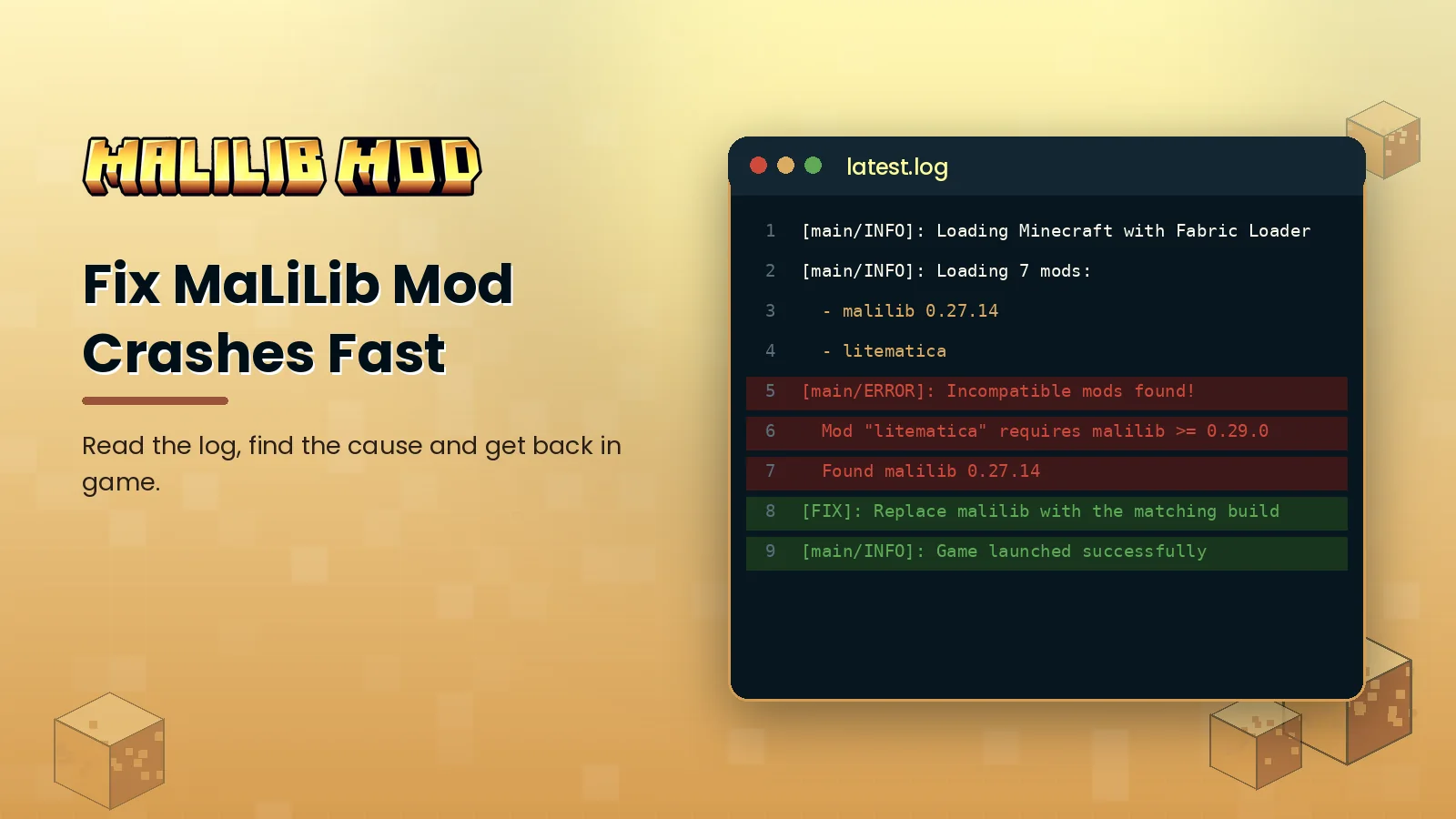
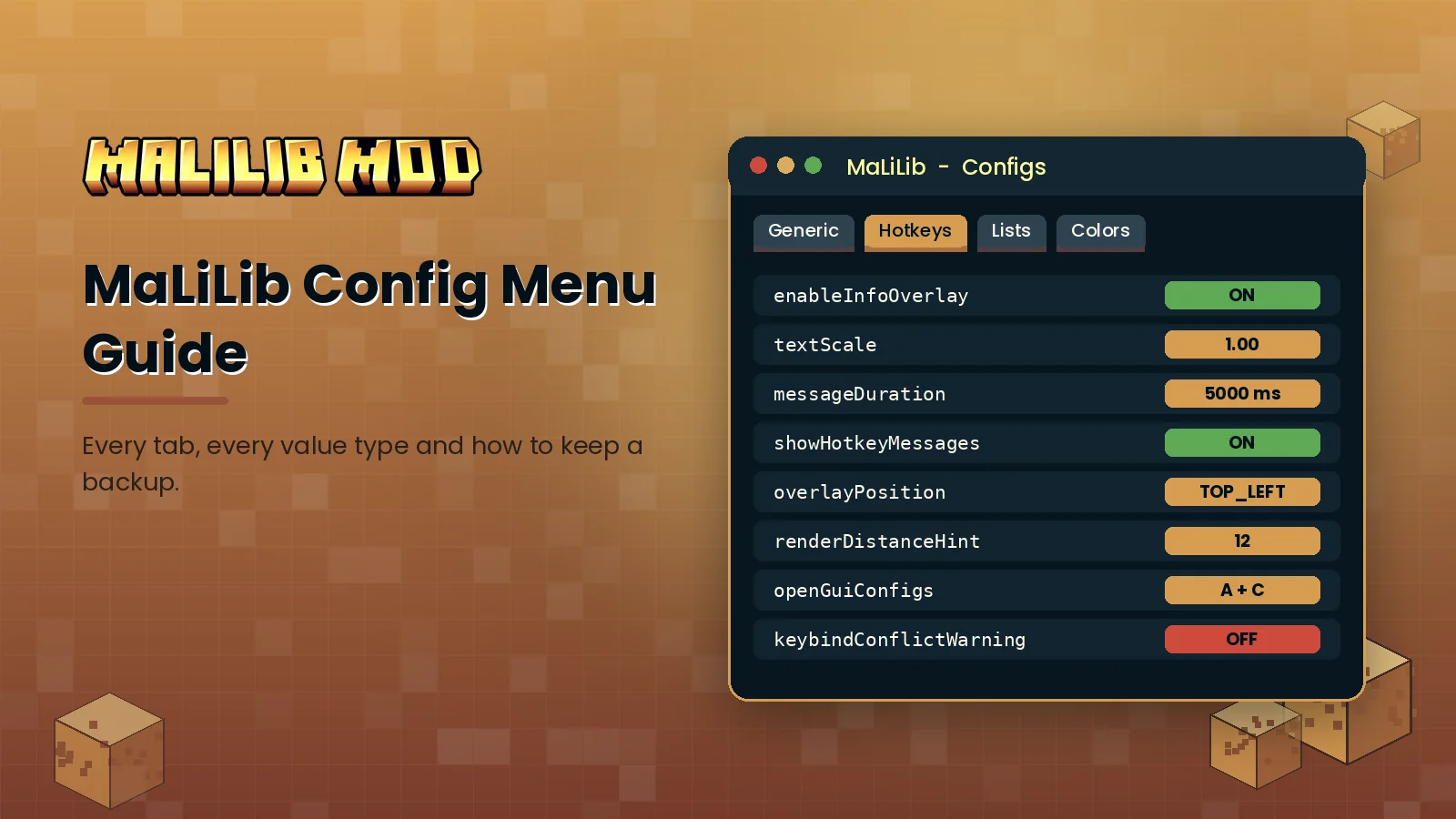
Start the launcher, pick the Fabric profile and press Play. Once you reach the title screen, press A + C in a world to open the MaLiLib configuration menu, or install Mod Menu to reach it from the Mods button. If the game closes during loading, read our crash fixing guide; nine times out of ten the cause is a version mismatch.
What to do next
Now that the library is running, learn the config menu and the hotkey system, or head to the MaLiLib Mod download page to bookmark the official sources for future updates.